Upload a character photo
A clear face and body outline help LustCrush keep the same identity across frames.
The page could not load. Please refresh to try again.
This is taking longer than expected. You can keep waiting or refresh the page.
Two steps to your first video. Details are optional, and generation starts when everything is ready.
Upload your own video or choose a preset reference.
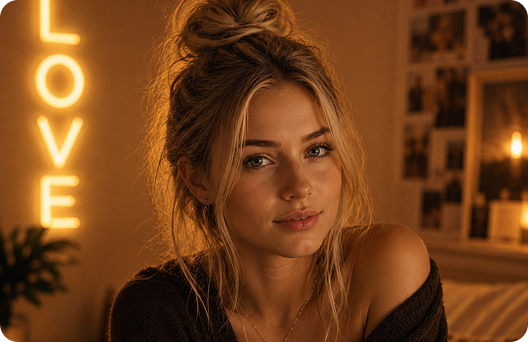
Use a clear portrait for the best AI output.
Example
Front or slight angle works best.
Background, outfit, or custom prompt.
Upload a photo, choose a reference clip, and let LustCrush generate a video that follows the same pose, movement, and camera rhythm.
A clear face and body outline help LustCrush keep the same identity across frames.
Use a preset or upload your own clip to guide pose, expression, action, and timing.
Add background, outfit, or prompt details, then create the reference-guided clip.
A source clip gives LustCrush stronger adult motion direction than text-only animation.
Turn a companion photo into a moving clip without manual editing.
Steer the background, outfit, lighting, and mood before generating.
The uploaded image anchors identity while the reference controls movement.
Create short videos from your own media inside the LustCrush flow.
Use photos and videos you own or have permission to use.
Visible facial features and natural lighting help preserve the character.
Focused reference clips are easier for the model to follow.
Describe background, outfit, lighting, and mood without conflicting instructions.
It is an image-to-video AI generator that turns a still companion photo into a video by following motion from a reference clip.
The reference guides pose, action, expression, and timing, so the result is less random than text-only video generation.
Yes. You can use a preset or upload a clip you own or have permission to use.
Yes. Add optional outfit, background, and prompt details before generating.
Use a sharp image with a visible face, good lighting, and minimal filters.